Technology Around Us: Spot, Make and Save with Nutmeg the Squirrel
Years 1 and 2: learn what technology is, spot IT at home and in town, then make, change, save and find digital work with Nutmeg.
Online game, chapter 1 free · Years 1 and 2 (KS1) · ages 5–7 · national curriculum in England · no adverts · plays on a phone, tablet or computer · no sign-up to start.
An online technology game for Years 1 and 2 (KS1). It covers the national curriculum in England, Years 1–2 computing: “Recognise common uses of information technology beyond school”, and 1 more statement listed under the chapters.
5 short chapters, about 25 minutes in all. Children can stop after any chapter.
Start playing for free. Plays in the browser on phones, tablets and computers: no app, no adverts.
Free for teachers: every chapter on the whiteboard with a free teacher account.
Last updated · Checked against the national curriculum in England by the TapLearn team
What you'll learn
Explain that technology is made by people to help us
Sort technology from natural things like trees, stones and the sun
Say how a fridge, microwave, washing machine and tablet help at home
Spot IT in shops, on roads and around town, outdoors too
Fill colours, undo a mistake and delete a letter with backspace
Save work with a clear name, sort it into folders and find it
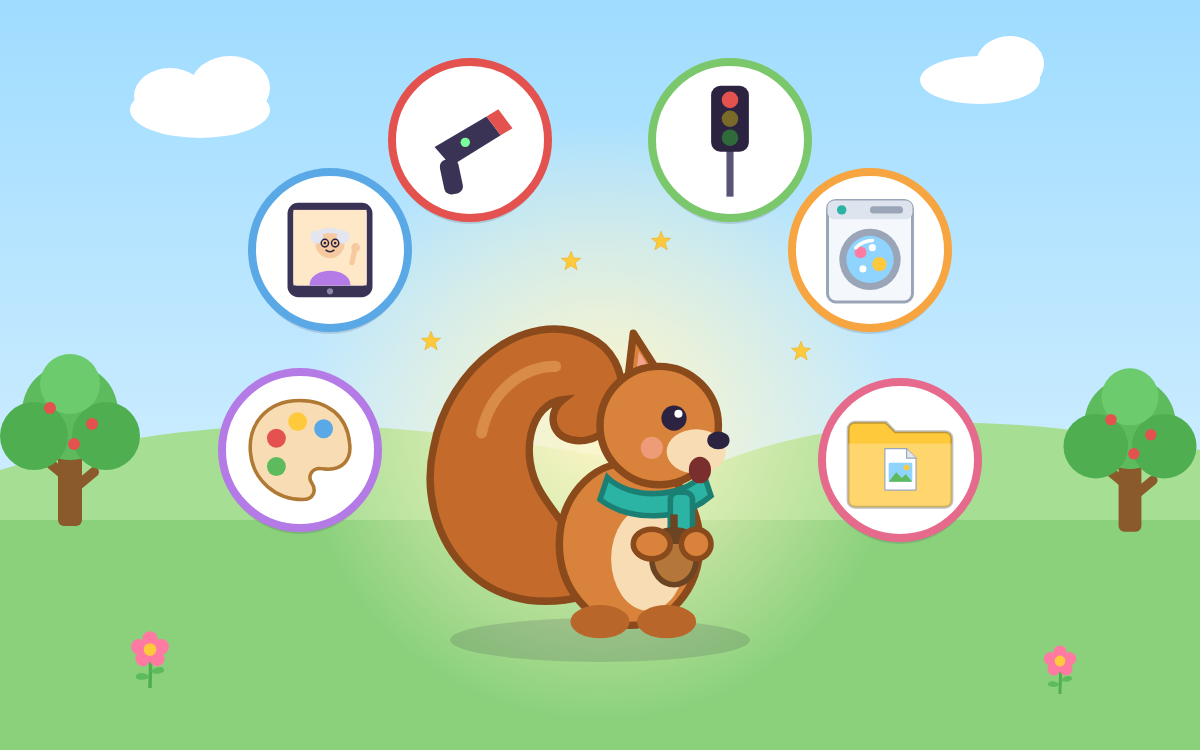
Learn that technology is something people make to help us, then sort a kettle, scissors, a bike and more from natural things like flowers, stones and the sun.
Recognise common uses of information technology beyond school by scanning barcodes at the till, using a pelican crossing and finding the things in town that use a computer.
Create and change digital content on a tablet: fill shapes with colour, press undo to remove a paint spill, move a sticker and fix a word with the backspace key.
Store and retrieve digital content: see what happens without saving, choose a clear file name, sort files into Pictures, Stories and Music folders, then find them again.
What the chapters cover in the national curriculum in England:
Years 1–2 computing: Recognise common uses of information technology beyond school
Years 1–2 computing: Use technology purposefully to create, organise, store, manipulate and retrieve digital content
How to play
Press Start, then pick a place on Nutmeg's town map; chapters can be played in any order.
Each chapter opens with Nutmeg showing what the child will learn, read aloud with captions.
The child taps, drags or chooses to answer, and Nutmeg explains why after every choice.
After a wrong answer the child simply tries again; nothing is taken away.
The final quiz at the Acorn Tree asks eight questions from all five chapters and shows a score out of 8.
A worked example
Question: Which one is technology: a flower, a kettle or a stone?
Ask: did people make it, or does it come from nature?
A flower grows by itself, so it comes from nature.
A stone is found in the ground, so it comes from nature.
People made the kettle to boil water, so it helps us.
Answer: the kettle is technology.
Common mistakes and how to fix them
Thinks natural things, like trees or the sun, are technologyAsk 'Did a person make it?' If it grows or was already in nature, it is not technology.
Thinks only things with screens count as technologyPoint to scissors, a kettle or a bike: no screen, but people made them to help us, so they are technology.
Thinks information technology is only found indoorsOn a walk, point out the crossing button, traffic lights and cash machine: computers work outside too.
Gives files names like 'stuff' that don't say what the work isAsk 'Will you know what's inside from the name tomorrow?' and choose a name like 'my cat picture'.
Thinks work is kept even if it is closed without savingShow it on a device with a grown-up: close a new drawing without saving, then look for it together.
Try it at home
Walk round the kitchen together and point at things: was it made by people to help us, or does it come from nature?
On your next shop or walk, play 'spot the computer': the till scanner, the crossing button, the cash machine, the bus stop screen.
After your child makes a picture or photo on a device, help them save it with a name that says what it is, then find it again together.
In the classroom
Play chapter 1 on the whiteboard and let the class vote 'technology' or 'nature' before each item is sorted.
Use the town chapter as a starter before a walk round school to list the IT children can see.
In pairs on tablets, play the saving chapter, then ask each pair to save one of their own pictures with a clear name.
Use the final quiz as a plenary, with children showing their answer on mini whiteboards first.
About this adventure
Technology Around Us is an interactive online game for Years 1 and 2 (ages 5 to 7) that teaches what technology is, how information technology helps us beyond school, and how to make, save and find digital work. It follows the Key Stage 1 computing curriculum in England: recognise common uses of information technology beyond school, and use technology purposefully to create, organise, store, manipulate and retrieve digital content.
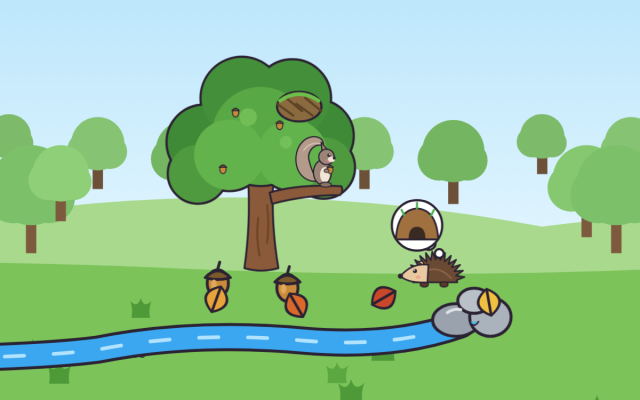
The game has five chapters and a final quiz with Nutmeg the squirrel as the guide. Every idea is shown and read aloud first, then the child tries it with Nutmeg's help, then on their own. Children tap, drag and choose: sorting things, scanning shopping, filling colours, typing and filing work into folders.
Technology is something people make to help us; trees, flowers and the sun come from nature. Information technology (IT) means computers and things that work with computers, such as barcode scanners and traffic lights, found outdoors as well as indoors. Digital content is anything we make on a device. Saving stores it, a clear file name and the right folder help us find it again, and undo takes back the last change.
Questions and answers
How do I explain what technology is to my Year 1 child?
Technology is something people make to help us, like a kettle, a bike or a tablet. Things that grow or are found in nature, like a tree, a stone or the sun, are not technology, even though we use them.
What is information technology (IT), in simple words?
Information technology means computers and things that work with computers. A barcode scanner at the till, a cash machine, a bus stop screen and the computer that changes traffic lights are all examples children meet every day.
What examples of IT beyond school can Year 2 children look for?
Children can spot the scanner and till in a supermarket, crossing buttons and traffic lights, cash machines, security cameras, bus stop screens and library computers. A postbox or a bench is not IT, because it has no computer inside.
What do Years 1 and 2 children learn about technology around us?
They learn to recognise common uses of information technology beyond school, and to use technology to create, organise, store, change and find digital content, such as saving a picture with a clear name and opening it again.
Is there an interactive technology around us game for a KS1 class?
Yes. Technology Around Us plays in a web browser on a classroom whiteboard, tablets or computers. The class can sort objects together, take turns scanning shopping or spotting IT in town, then try the quiz in pairs.
What does the Technology Around Us game include?
It has five chapters and an eight-question final quiz, and takes about 25 minutes to play through. Every line is read aloud by Nutmeg the squirrel, with captions, so children who are still learning to read can play.
We count visits to make TapLearn better.We use one cookie, only on this site, to see how families find and use it. No adverts, and nothing is shared.One cookie, only on this site. No adverts.How we measure
 TapLearn