What you'll learn
- What a program is and why the order of instructions matters
- How to predict where a robot will stop by reading its program
- What a bug is: a mistake in the program, not the robot
- How to debug: test, find the bug, fix it, then test again
- How to fix a bug by changing, adding or taking away a step
- How to tell a robot's left from right when it faces down
Chapter by chapter
- Creating a program: instructions in the right order Free to try
Years 1–2 computing · 1
- Bugs: predicting a program and spotting the mistake
Years 1–2 computing · 1
- Debugging: fixing a wrong step and testing again
Years 1–2 computing · 1
- Debugging: adding missing steps and taking away extra steps
Years 1–2 computing · 1
- Debugging turns: left, right and testing one step at a time
Years 1–2 computing · 1
- Bug Hunt Challenge: create and debug programs (8 questions)
What the chapters cover in the national curriculum in England:
- Years 1–2 computing: Create and debug simple programs
About this adventure
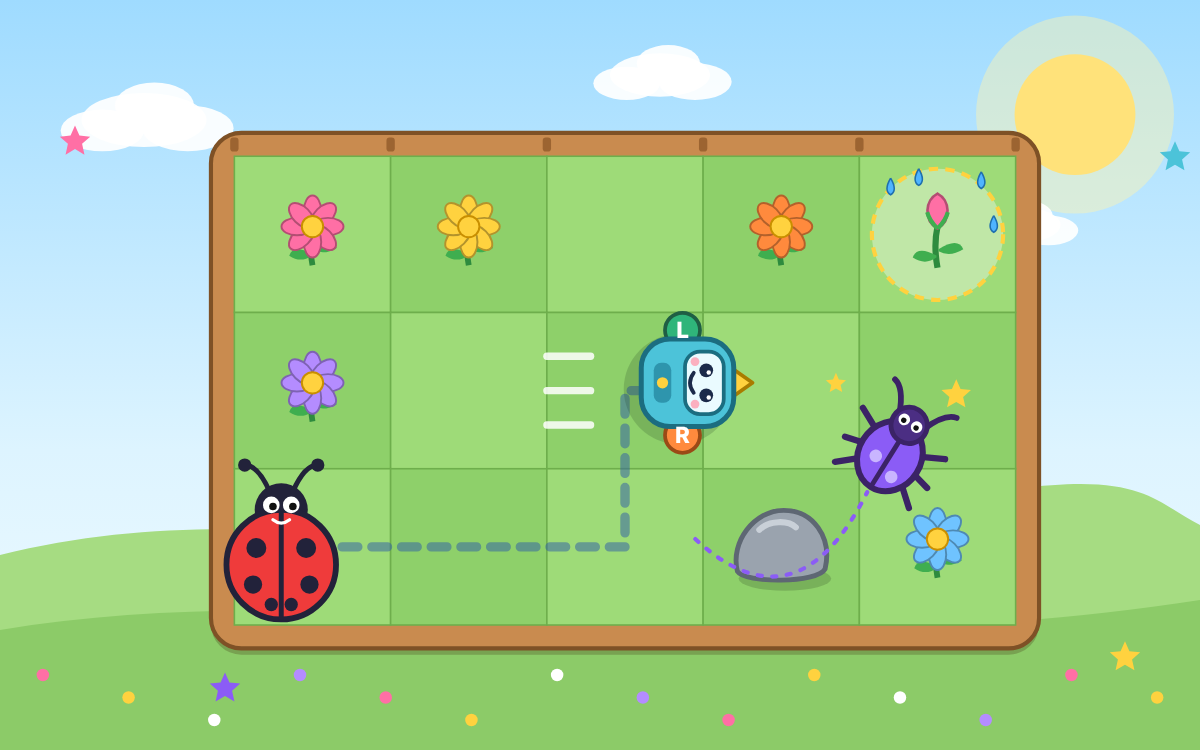
Debugging Simple Programs is an interactive game that teaches children aged 5–7 how to create a simple program and then find and fix the mistakes in it, following the KS1 Computing curriculum. Players give Beep, a friendly garden robot, a program of Forward, Back, Turn left and Turn right instructions to reach a flower bud and water it.
When Beep bumps into a fence or stops in the wrong place, there is a bug: a mistake in the program. Children learn that Beep always does exactly what the program says, so the bug is in the instructions, not the robot. They practise debugging the way programmers do: test the program, find the wrong step, fix it and test again.
Dot the ladybird reads every instruction aloud, hints appear after a few tries, and a Step button lets children run a program one instruction at a time.
Questions and answers
What is debugging, in simple words?
Debugging means finding and fixing mistakes, called bugs, in a program. You test the program, spot the step that goes wrong, change it and then test again to check that the fix really worked.
Why is a mistake in a computer program called a bug?
Engineers were already calling faults "bugs" long before computers. In 1947 a team working on the Harvard Mark II computer found a real moth stuck inside it and taped it into their logbook as the "first actual case of bug being found".
What does "create and debug simple programs" mean in KS1 computing?
It is one of the Key Stage 1 computing aims in the national curriculum in England. Children write short sequences of instructions, often for a floor robot, then spot and correct the mistakes when the program does not do what they expected.
What age is this debugging game for?
It is made for children aged 5 to 7 and pitched mainly at Year 2, where debugging is usually taught. Every line is read aloud, so children who are still learning to read can play on their own.
What does the game include and how long does it take?
Playing everything takes about 45 minutes. There is an optional warm-up, five short chapters with animated introductions and an eight-round Bug Hunt Challenge, and children can open any chapter from the garden map.
More to explore
See all
Algorithms for Kids: Program Bop the Robot in Robo Town
Learn what an algorithm is and why robots need precise instructions, then program Bop the robot and predict w…
If and Else in Coding: Make Choices with Bit the Robot
Learn how if and else let a program make choices, then build, run, predict and debug block programs with Bit…
Sequences and Loops: Code a Robot and Squash the Bugs
Learn how sequences and loops make programs work by coding Beep the robot across a grid, predicting his moves…
Variables in Coding: Build Scores and Timers with Bit
Learn how variables in coding store scores, timers and names, then use set, change, loops and if blocks to bu…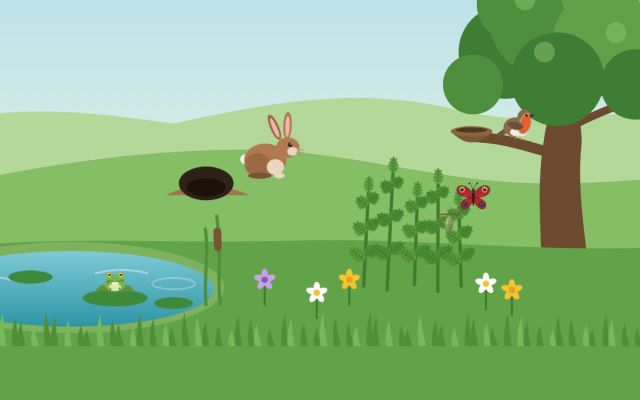
Animal Life Cycles: Grow a Frog, Butterfly, Robin and Rabbit
Learn how animal life cycles work by helping a frog, butterfly, robin and rabbit grow, from egg or birth to a…
Skeletons and Muscles: Build a Body with Skelly
Learn how skeletons and muscles work together: build a skeleton, test how bones protect you, and make an arm…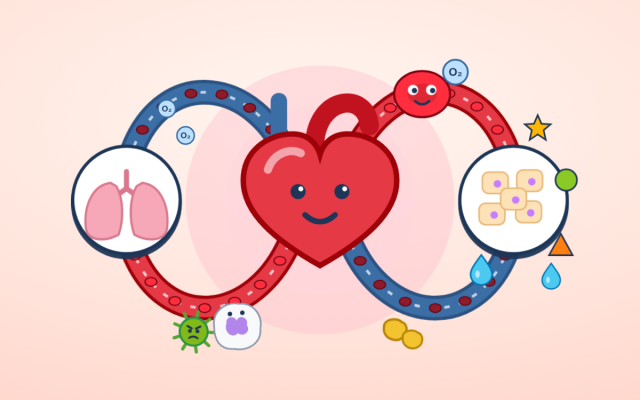
The Heart and Circulatory System: Ride with Rosie
Learn how the heart and circulatory system work, then guide Rosie the red blood cell round the body, build yo…
 TapLearn