Make Your Own Game: Code a Catching Game with Hazel
Learn how to make your own game with block coding: plan it in parts, then use loops, if blocks and a score variable to build and debug a catching game.
Online game, chapter 1 free · Years 3 to 6 (KS2) · ages 8–11 · national curriculum in England · no adverts · plays on a phone, tablet or computer · no sign-up to start.
An online technology game for Years 3 to 6 (KS2). It covers the national curriculum in England, Years 3–6 computing: “Design, write and debug programs that accomplish specific goals, including controlling or simulating physical systems; solve problems by decomposing them into smaller parts”, and 2 more statements listed under the chapters.
7 short chapters, about 60 minutes in all. Children can stop after any chapter.
Start playing for free. Plays in the browser on phones, tablets and computers: no app, no adverts.
Free for teachers: every chapter on the whiteboard with a free teacher account.
Last updated · Checked against the national curriculum in England by the TapLearn team
What you'll learn
How decomposition breaks a game idea into smaller parts
How key presses (inputs) move a character on screen (output)
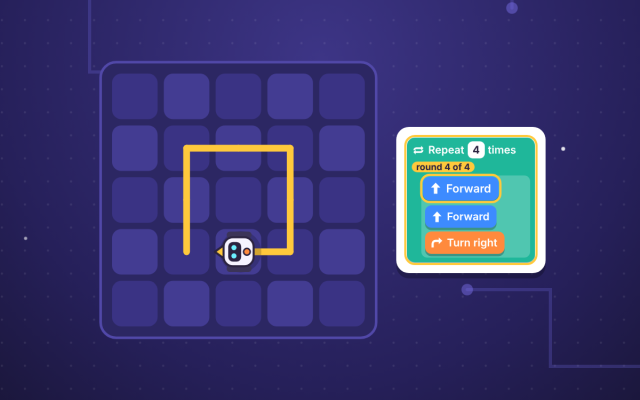
Why a forever loop keeps things moving in a game
How an if block inside a loop checks for a catch
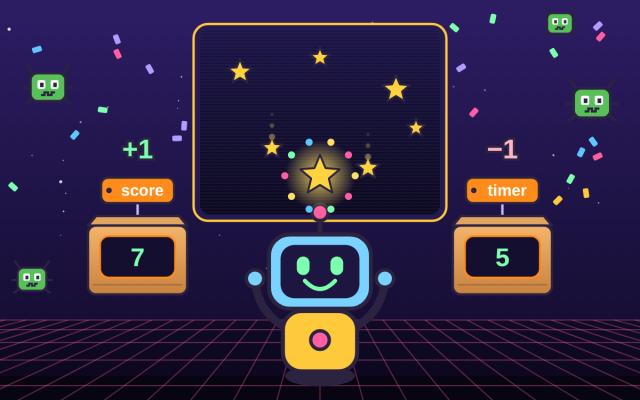
How to use variables for a score and a countdown timer
How to debug a program: test, spot, find and fix
Chapter by chapter
Plan a game: break it into smaller partsStart playing for free
Years 3–6 computing · 1
Control a character with key presses (input and sequence)
Years 3–6 computing · 1Years 3–6 computing · 2
Keep things moving with a forever loop (repetition)
Years 3–6 computing · 2
Catch or miss: if blocks inside a loop (selection)
Years 3–6 computing · 2Years 3–6 computing · 3
Keep score with a variable
Years 3–6 computing · 2
Debugging: test, find and fix bugs in a game
Years 3–6 computing · 3Years 3–6 computing · 1
Finish the game: add a timer, playtest and improve
What the chapters cover in the national curriculum in England:
Years 3–6 computing: Design, write and debug programs that accomplish specific goals, including controlling or simulating physical systems; solve problems by decomposing them into smaller parts
Years 3–6 computing: Use sequence, selection, and repetition in programs; work with variables and various forms of input and output
Years 3–6 computing: Use logical reasoning to explain how some simple algorithms work and to detect and correct errors in algorithms and programs
About this adventure
Make Your Own Game is an interactive coding game that teaches children aged 8–11 how to design, write and debug a simple game with Scratch-style blocks. Players help Hazel the hedgehog star in a catching game, building it one small part at a time.
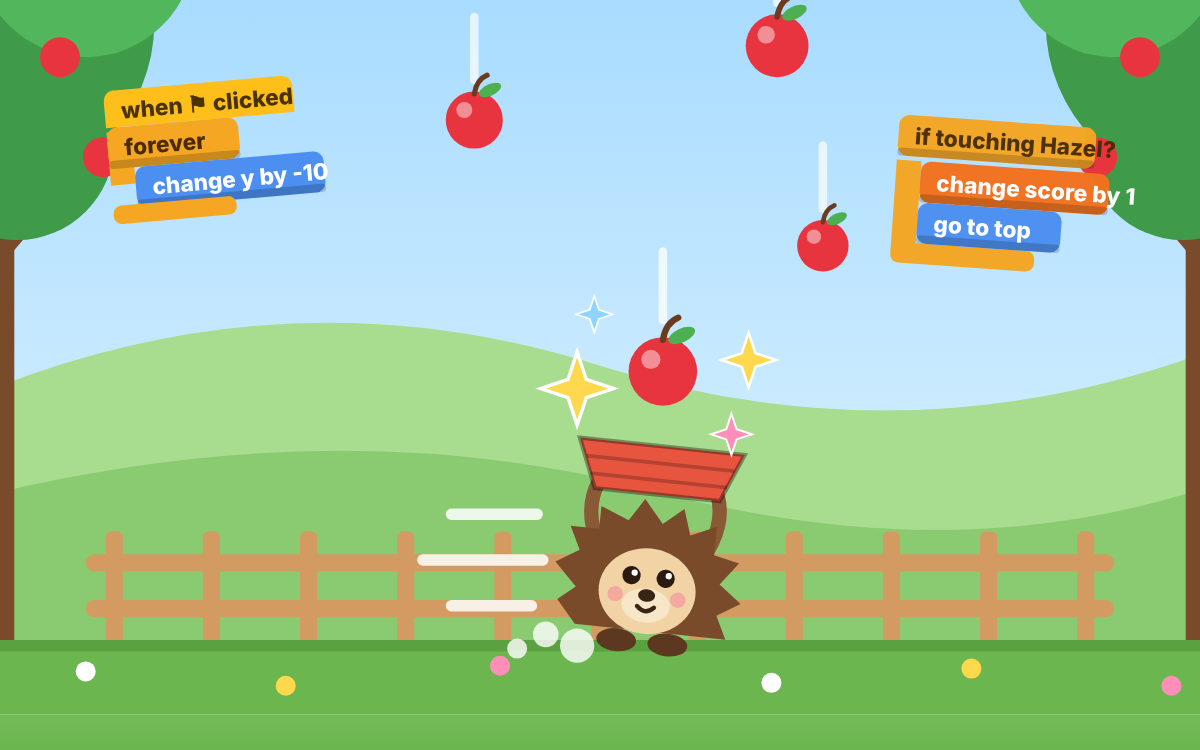
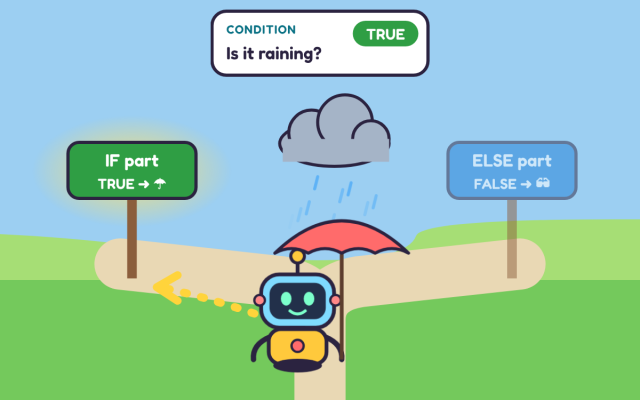
Children start with decomposition, which means breaking a big idea into smaller parts. They code Hazel to move with the arrow keys (an input that causes an output), make apples fall with a forever loop (repetition) and use if blocks (selection) to check for a catch or a miss. A score variable counts the catches and a countdown timer ends the game.
Their own code really runs, so a mistake shows straight away and Hazel explains what went wrong. A bug hunt teaches a four-step debugging routine: test, spot, find and fix.
Questions and answers
How do you make your own game as a beginner?
Start by breaking your game idea into small parts, such as the player, the moving objects, the score and how it ends. Then build and test one part at a time, fixing any bugs before you add the next part.
What is a forever loop in a game?
A forever loop repeats the blocks inside it again and again until the game stops. Games use it to keep things moving, such as an apple falling down the screen, and to keep checking what is happening.
Why does my game score keep going back to zero?
The score usually resets because the 'set score to 0' block is inside the forever loop, so it runs every time round. Move it above the loop so it sets the starting score just once, when the game begins.
What age is this coding game for?
This game is designed for children aged 8 to 11 and is pitched at Year 5 of KS2 computing. An optional warm-up recaps sequence, loops, if blocks and variables for children who need a refresher first.
What does the game include and how long does it take?
It has seven hands-on chapters and a 10-question final challenge, and takes about an hour to play through. Children build a working catching game with key controls, a falling apple, catch checks, a score and a timer.
We count visits to make TapLearn better.We use one cookie, only on this site, to see how families find and use it. No adverts, and nothing is shared.One cookie, only on this site. No adverts.How we measure

 TapLearn