Tools for Cutting, Shaping, Joining and Finishing: Russet's Make Shed
Years 1 and 2: choose and safely use scissors, a hole punch, glue, split pins and masking tape to cut, shape, join and finish in Russet's make shed.
Online game, chapter 1 free · Years 1 and 2 (KS1) · ages 5–7 · national curriculum in England · no adverts · plays on a phone, tablet or computer · no sign-up to start.
An online technology game for Years 1 and 2 (KS1). It covers the national curriculum in England, Years 1–2 design and technology: “Select from and use a range of tools and equipment to perform practical tasks”.
5 short chapters, about 30 minutes in all. Children can stop after any chapter.
Start playing for free. Plays in the browser on phones, tablets and computers: no app, no adverts.
Free for teachers: every chapter on the whiteboard with a free teacher account.
Last updated · Checked against the national curriculum in England by the TapLearn team
What you'll learn
Choose the right tool for a job, from scissors to split pins
Carry and pass scissors safely, closed and handles first
Cut straight lines and curves, turning the paper not the scissors
Fold, curl, tear and concertina paper to change its shape
Pick a join: glue stick, PVA glue, masking tape or split pin
Use finishing techniques such as painting, collage and adding details
Meet scissors, a hole punch, a glue stick, split pins and masking tape, then select the right tool for six practical jobs, such as cutting out a star or making a puppet arm wave.
Practise the safety rules by closing and carrying scissors, passing them handles first, holding paper away from the blades and using a hole punch with fingers clear, then spot safe and unsafe actions.
Cut a straight line and a circle by turning the paper, then shape paper by folding, scoring card, curling round a pencil, tearing for a soft edge and making a springy concertina fold.
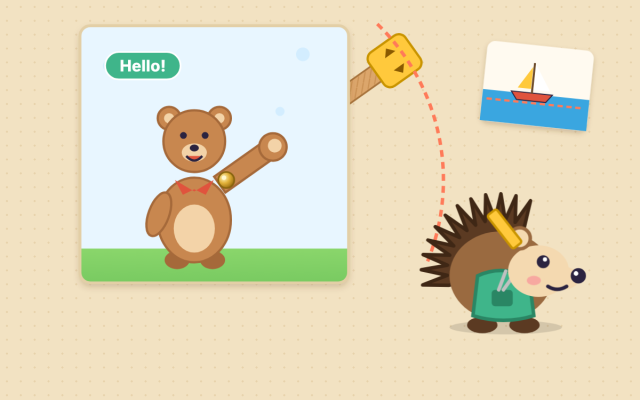
Join materials with a glue stick, PVA glue, masking tape and a split pin, build a puppet with a moving arm, and choose the best join for different jobs (paper fasteners).
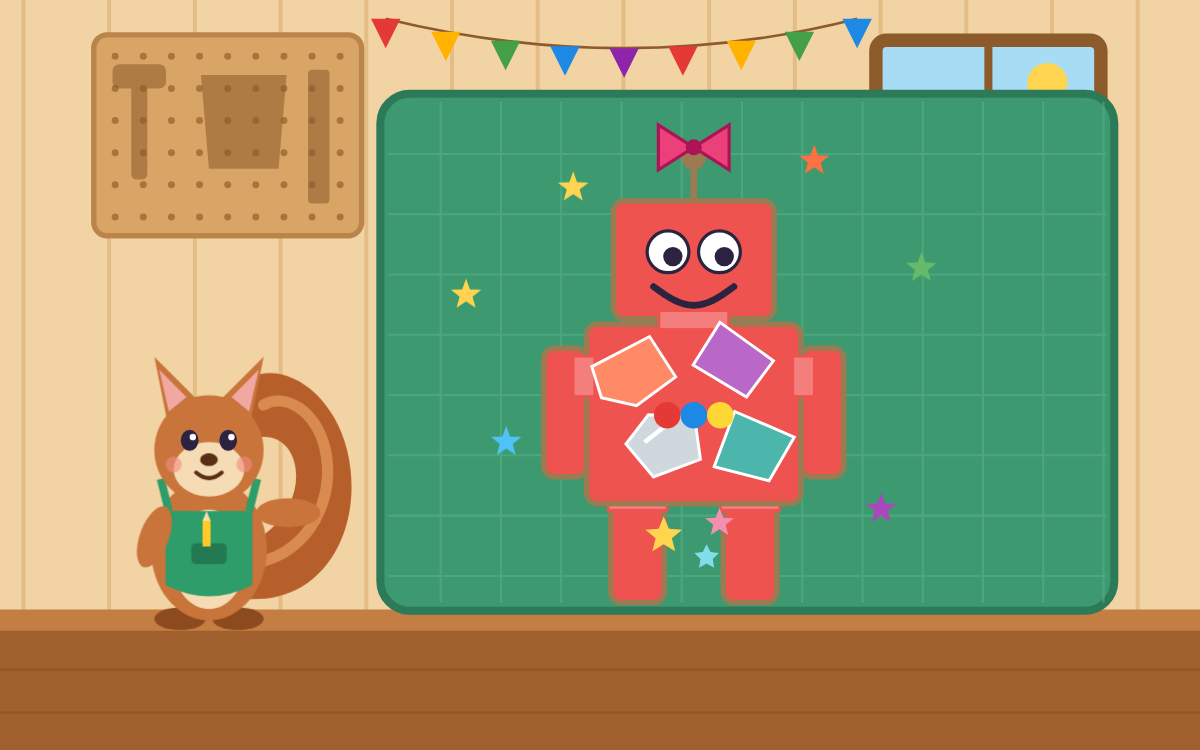
Use finishing techniques on a box robot: paint over masking tape, add a collage of scraps, stick on buttons and sequins, and draw details, learning that finishing is the last stage of making.
What the chapters cover in the national curriculum in England:
Years 1–2 design and technology: Select from and use a range of tools and equipment to perform practical tasks
How to play
Press Start, then pick any chapter from the make shed menu.
Each chapter opens with Russet showing what the child will learn, then one tool or technique at a time.
The child taps, drags or turns things in the scene to try each tool; every drag can also be done by tapping.
In the questions, a wrong choice gets a short hint and another go, and the right answer is shown working.
The final challenge has eight questions, one try each, with a star for every right answer.
A worked example
Job: join a paper puppet's arm so that it can wave.
Glue would stick the arm, but it would not be able to move.
A split pin makes a join that can turn.
Punch a hole in the arm and a hole in the body.
Line up the holes and push the split pin through both.
Open the legs flat at the back so it cannot fall out.
Answer: use a split pin, and the arm can now swing up and down.
Common mistakes and how to fix them
Thinks glue is the only way to join thingsLay out a glue stick, masking tape and a split pin and ask which one would let a puppet's arm move.
Carries or passes scissors with the blades pointing outPractise together: close the blades, hold them pointing down, and offer the handles to the other person.
Turns the scissors instead of the paper when cutting a circleKeep the cutting hand still and pointing forwards, and turn the paper with the other hand a little at a time.
Uses a glue stick for heavy things such as lolly sticksTry both: show that a glue stick join comes apart, then use PVA and leave it to dry.
Thinks paint will cover shiny sticky tapePaint a strip of masking tape and a strip of sticky tape side by side and see which one takes the paint.
Try it at home
Look in a craft box together and ask your child to name each tool and say what job it does.
Practise carrying children's scissors closed and pointing down, and passing them handles first.
Cut a paper spiral snake, then curl its tail round a pencil.
Make a card puppet with split-pin arms, then decorate it with paint, collage or buttons.
In the classroom
Play the tool-choice chapter on the whiteboard and let pupils vote on the tool for each job before tapping.
Use the safe or not safe questions as a starter before a practical DT lesson with scissors.
Set up tables for cutting, shaping, joining and finishing after the matching chapter, and ask pupils to explain their tool choices.
Use the final challenge as a plenary in pairs on tablets.
About this adventure
Tools for Cutting, Shaping, Joining and Finishing is an interactive online game for Years 1 and 2 (ages 5 to 7) that teaches children to choose the right tool for a job and use it safely. It follows the KS1 design and technology national curriculum in England: select from and use a range of tools and equipment to perform practical tasks such as cutting, shaping, joining and finishing.
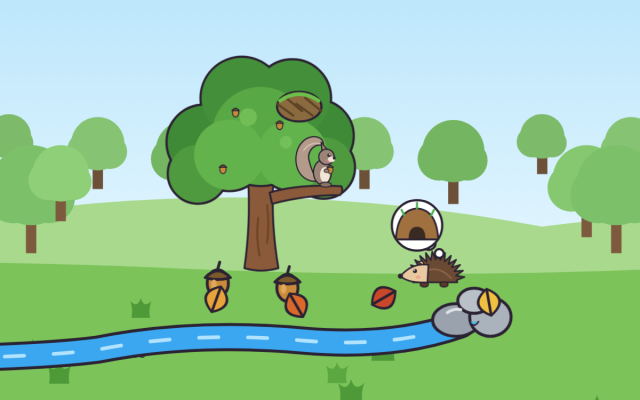
The game has five chapters and a final quiz, set in a workshop run by Russet the squirrel. Russet reads every idea aloud and shows it first, then the child tries it with help, then on their own. They tap tools to try them, drag scissors along a line, turn paper to cut a circle, rub on glue, push in a split pin and paint a box robot.
Key ideas: scissors cut, a hole punch makes neat holes, and joins each do a different job. A glue stick suits paper, PVA glue is stronger but needs time to dry, masking tape peels off and takes paint, and a split pin makes a join that moves. Shaping means folding, curling, tearing and concertina folds, and finishing is the last stage of making.
Questions and answers
How do I teach my child to use scissors safely?
Teach a few simple rules: sit down to cut, keep the holding hand away from the blades, carry scissors closed and pointing down, and pass them handles first. Children practise each rule in the game before checking pictures as safe or not safe.
Which glue should my child use, a glue stick or PVA?
A glue stick is best for paper and card because it is quick and tidy, but it is not strong enough for heavier things. PVA glue is stronger and suits lolly sticks, card and fabric, but it is wet and needs time to dry.
What is a split pin and how do you use one?
A split pin, also called a paper fastener, joins two pieces so they can still turn. Make a hole in both pieces, line the holes up, push the pin through and open its legs flat at the back.
What do Year 1 and Year 2 children learn about tools in design and technology?
In KS1 design and technology, children learn to select from and use a range of tools and equipment for practical tasks such as cutting, shaping, joining and finishing. They also learn to use these tools safely and to explain why they chose them.
Is there an interactive DT tools game for a Year 1 or Year 2 class?
Yes, this game plays in a web browser on a classroom whiteboard, tablets or computers. The class can choose tools for each job together, vote on whether a picture is safe or not safe, and then try the same skills with real materials.
What does the Tools for Cutting, Shaping, Joining and Finishing game include?
It has five chapters on choosing tools, tool safety, cutting and shaping, joining and finishing, plus an eight-question final quiz. It takes about 30 minutes to play through, and Russet reads every instruction and question aloud.
We count visits to make TapLearn better.We use one cookie, only on this site, to see how families find and use it. No adverts, and nothing is shared.One cookie, only on this site. No adverts.How we measure
 TapLearn