Design, Make and Evaluate: A Rainproof Bag with Chipper
Years 1 and 2: learn to design, make and evaluate by writing design criteria, testing materials and checking Rabbit's new lunch bag.
Online game, chapter 1 free · Years 1 and 2 (KS1) · ages 5–7 · national curriculum in England · no adverts · plays on a phone, tablet or computer · no sign-up to start.
An online technology game for Years 1 and 2 (KS1). It covers the national curriculum in England, Years 1–2 design and technology: “Explore and evaluate a range of existing products”, and 4 more statements listed under the chapters.
5 short chapters, about 25 minutes in all. Children can stop after any chapter.
Start playing for free. Plays in the browser on phones, tablets and computers: no app, no adverts.
Free for teachers: every chapter on the whiteboard with a free teacher account.
Last updated · Checked against the national curriculum in England by the TapLearn team
What you'll learn
Say who a product is for (its user) and its purpose
Choose design criteria that suit the user, not the designer
Share an idea with a labelled design drawing
Test an idea with a paper mock-up and change it
Choose materials that are waterproof, strong, soft or stiff for the job
Evaluate a product against each criterion and suggest an improvement
Explore existing products such as wellies, a hard hat and a toddler cup, saying who each one is for (the user) and what job it does (its purpose), then spot the features that suit the user.
Years 1–2 design and technology · statement 1Years 1–2 design and technology · statement 2
Interview Rabbit, the user, then sort cards to build the design criteria for her lunch bag: what it must do, how it suits her and how it should look (the design brief).
Years 1–2 design and technology · statement 2Years 1–2 design and technology · statement 3
Pick the best of three design ideas, label a design drawing and talk it through with the user, then make a paper mock-up from a template and resize it until the lunchbox fits.
Years 1–2 design and technology · statement 3Years 1–2 design and technology · statement 4
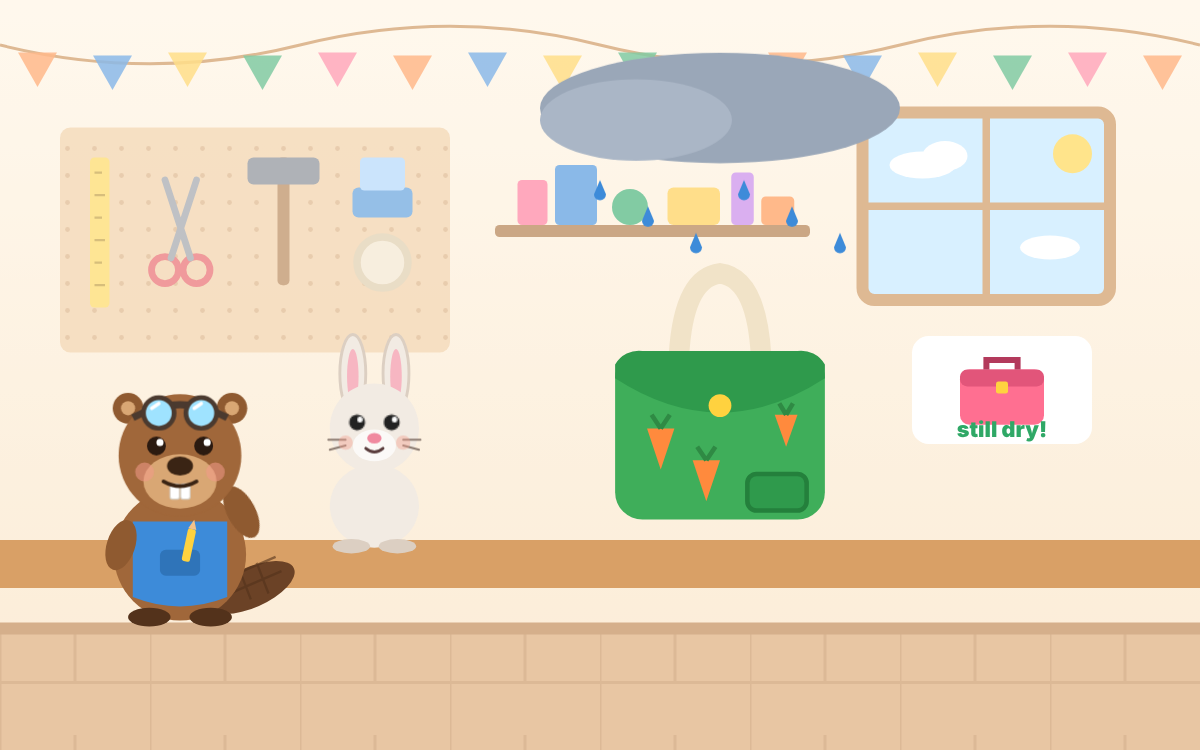
Test paper, felt, cotton and oilcloth under a rain cloud and try three handle materials, then choose materials for a puppet, a model bridge and a snack by what each one is like.
Test the finished bag against each design criterion with a tick or a cross, say what works, choose the change that fixes the problem, and judge three umbrellas against two criteria.
Years 1–2 design and technology · statement 4Years 1–2 design and technology · statement 1
What the chapters cover in the national curriculum in England:
Years 1–2 design and technology: Explore and evaluate a range of existing products
Years 1–2 design and technology: Design purposeful, functional, appealing products for themselves and other users based on design criteria
Years 1–2 design and technology: Generate, develop, model and communicate their ideas through talking, drawing, templates, mock-ups and, where appropriate, information and communication technology
Years 1–2 design and technology: Evaluate their ideas and products against design criteria
Years 1–2 design and technology: Select from and use a wide range of materials and components, including construction materials, textiles and ingredients, according to their characteristics
How to play
Tap Start, then pick a workbench in Chipper's workshop. Each workbench is a chapter, and they can be played in any order.
Every chapter opens with a short scene in which Chipper explains the idea aloud, with the words shown in a speech bubble.
The child taps answers, drags cards and labels (or taps a card and then the place it goes), and taps Test to watch the bag being tested.
After a wrong answer Chipper gives a short hint and the child tries again. The speaker button beside each answer reads it aloud.
The final challenge has 8 questions with one try each, then shows the right answer and explains why.
A worked example
Question: Rabbit's new lunch bag drags along the ground. Which change fixes it?
Find the criterion it misses: easy for small paws to carry.
Look at the test to find the cause: the handle is far too long.
Check each choice: painting it purple or making it from paper would not change how it carries.
Answer: make the handle shorter, then test it again to earn a tick.
Common mistakes and how to fix them
Mixes up who a product is for with what it is forAsk two separate questions: 'Who uses it?' (a person) and 'What job does it do?' (an action, like keeping feet dry).
Designs for what they like rather than what the user needsPoint back to the user: 'Is this for you or for Rabbit? What did Rabbit tell us she needs?'
Thinks a design drawing is just a pictureAsk them to add labels with arrows saying what each part does, such as 'flap keeps the rain out'.
Picks a material for its colour, or thinks paper will keep things dryDrip water on paper and on a plastic bag and compare. Talk about what each material is like, not how it looks.
Thinks evaluating means only finding what's wrongStart with the ticks and say what works, then choose one change that fixes the problem you found.
Try it at home
Pick three things in the kitchen and ask: who is it for, and what job does it do?
Ask someone at home what they would want in a new lunch bag, and write a checklist together.
Drip a little water on scraps of paper, foil, cloth and a plastic bag. Which ones are waterproof?
Draw a design for a new pencil pot, label each part, then make a quick paper mock-up and check it against your list.
In the classroom
Play a chapter on the whiteboard and let the class vote on each answer before one child taps it.
Use the design criteria chapter as a starter before pupils write criteria for their own D&T project.
In pairs on tablets, play the materials chapter, then test real scraps of fabric and paper with a few drops of water.
As a plenary, hold up a finished class product and have pupils show a tick or a cross for each criterion on mini-whiteboards.
About this adventure
Design, Make and Evaluate is an interactive online game for Years 1 and 2 (ages 5 to 7) that teaches how designers plan, make and test a product for a user. It follows the key stage 1 design and technology curriculum in England: design purposeful, functional, appealing products based on design criteria, communicate ideas through talking, drawing and mock-ups, and evaluate products against design criteria.
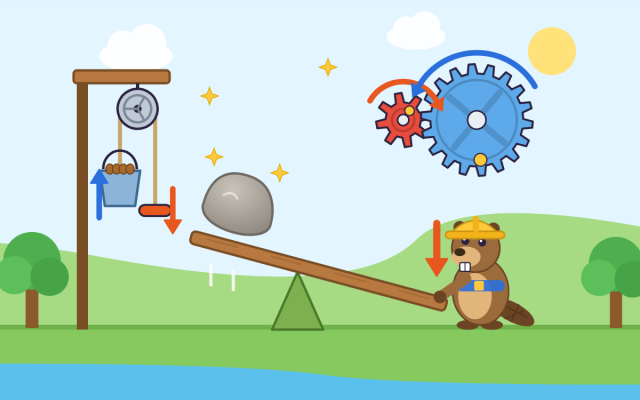
There are five chapters and a final challenge, set in the design workshop of Chipper the beaver. Chipper shows and reads aloud each idea first, the child has a go with hints, and the challenge checks what they can do alone. Children tap products, drag cards onto a checklist, label a drawing, test a paper mock-up and tick or cross a finished bag.
A product's user is who it is for, and its purpose is the job it does. Design criteria are a checklist of what the product must do and be. A labelled drawing and a mock-up made from a template let designers share and test an idea. Materials are chosen for what they are like: waterproof, strong, soft or stiff. Evaluating means checking every criterion and choosing a change that fixes the problem.
Questions and answers
What are design criteria in KS1 design and technology?
Design criteria are a simple checklist of what a product must do and be so that it suits the person who will use it. For a lunch bag they might be: keeps the lunch dry, fits the lunchbox, is easy for small hands to carry, and comes in a colour the user likes.
How do I explain user and purpose to my Year 1 child?
The user is the person a product is for, and the purpose is the job it does. Wellies are a handy example: the user is someone splashing through puddles, and the purpose is keeping their feet dry.
What does evaluating a product mean in Year 1 and Year 2?
Evaluating means checking a finished product against each design criterion and giving it a tick or a cross. Children say what works well first, then suggest one change that fixes a problem, such as shortening a handle that is too long.
What do Years 1 and 2 learn about designing, making and evaluating?
In key stage 1, children learn to design products for a user from design criteria, share ideas by talking, drawing and making mock-ups, choose materials by their characteristics, explore existing products and judge their own products against the criteria.
Is there an interactive design and technology game for a Year 1 class?
Yes. Design, Make and Evaluate runs in a web browser on a classroom whiteboard, tablets or computers. A class can vote on answers together, sort the design criteria as a group, and then try the final challenge in pairs.
What does the Design, Make and Evaluate game include?
It has five chapters and a final 8-question challenge, and takes about 25 minutes to play through. Every line is read aloud by Chipper the beaver, so children who are still learning to read can play on their own.
We count visits to make TapLearn better.We use one cookie, only on this site, to see how families find and use it. No adverts, and nothing is shared.One cookie, only on this site. No adverts.How we measure

 TapLearn