What you'll learn
- What a variable is: a name that stores one value
- Why a new value replaces the old one in a variable
- The difference between set and change blocks
- Why a score must be set to 0 when a game starts
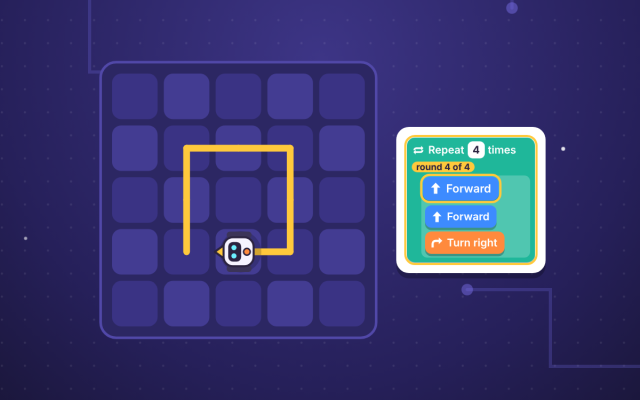
- How a repeat loop counts a timer down to zero
- How inputs are stored in variables and shown as outputs
Chapter by chapter
- What is a variable? Names and values Free to try
Years 3–6 computing · 1
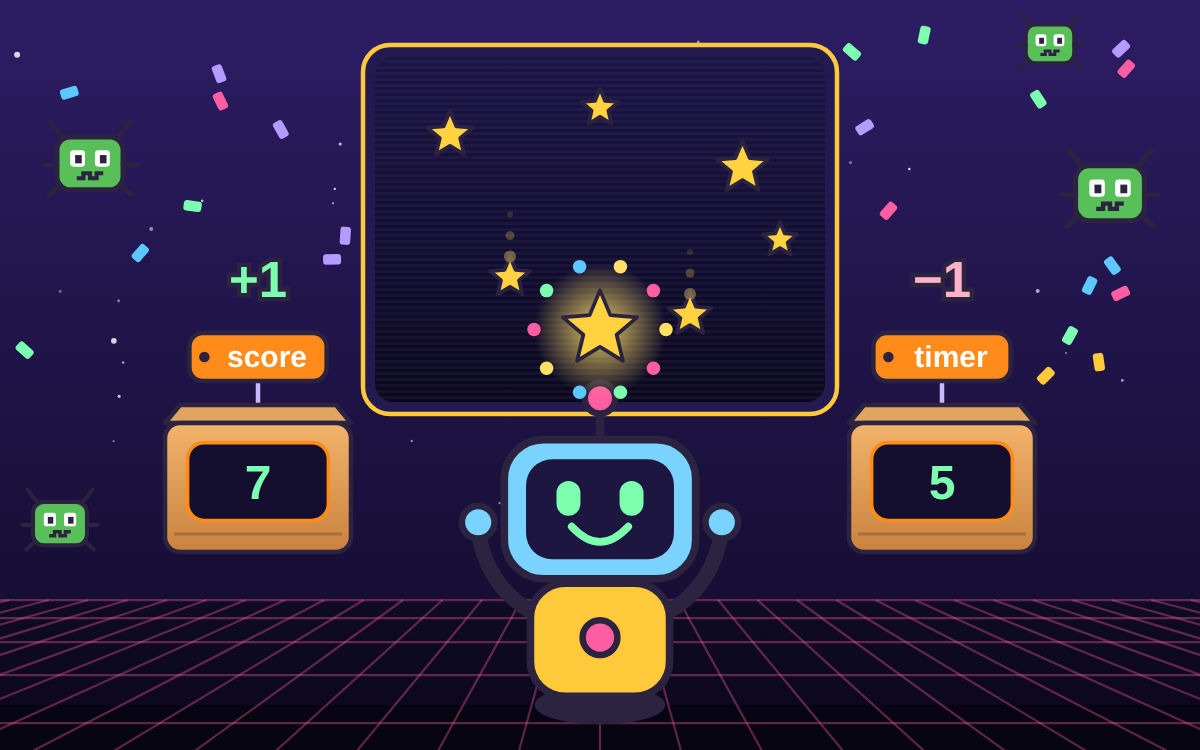
- Scores: setting and changing a variable
Years 3–6 computing · 1
- Timers: a countdown variable with repetition and selection
Years 3–6 computing · 1
- Inputs and outputs: asking, storing and showing
Years 3–6 computing · 1
- Build a game with a score, a timer, inputs and outputs
Years 3–6 computing · 1
- Variable Master Quiz (10 questions)
See every Technology chapter in the chapter library
What the chapters cover in the national curriculum in England:
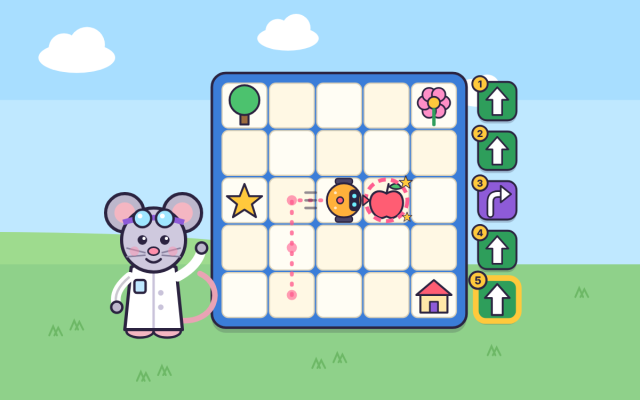
- Years 3–6 computing: Use sequence, selection, and repetition in programs; work with variables and various forms of input and output
About this adventure
Variables in Coding is an interactive game that teaches children aged 9–11 what a variable is and how programs use variables for scores, timers, inputs and outputs.
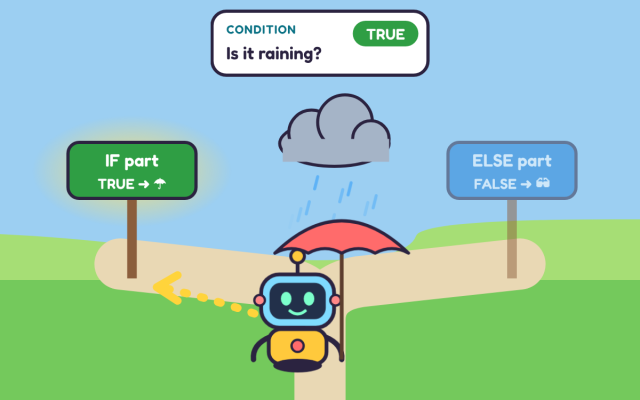
Players help Bit the robot fix the machines in an arcade. They see that a variable has a name and stores one value at a time. They also learn the difference between a set block, which replaces the value, and a change block, which adds to it. Then they make a countdown with a repeat loop and use an if… then… else block to make decisions.
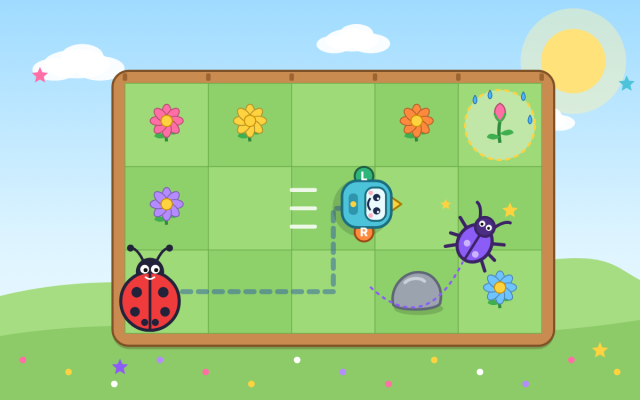
The colourful blocks work like Scratch, and each one lights up as it runs, so children can watch the code work step by step. They catch stars, launch a rocket, play a guessing game and fix a real bug, then build a full game of their own.
Questions and answers
What is a variable in coding, in simple words?
A variable is a named place in a program that stores one value, such as a score, a timer or a player's name. The value can change while the program runs, which is why it is called a variable.
What is the difference between set and change in Scratch?
Set gives a variable a brand new value and throws the old one away, so 'set score to 0' always makes the score 0. Change adds to the value already there, so 'change score by 1' turns 5 into 6.
How do you make a countdown timer in Scratch?
Set a timer variable to a starting number, such as 10, then use a repeat loop that waits 1 second and changes the timer by -1 each time. When the timer reaches 0, an if block can end the game.
What age is this variables coding game for?
The game suits children aged 9 to 11. It matches the KS2 computing curriculum and is pitched at Year 5, with an optional warm-up on sequence, repetition and selection for anyone who needs a reminder first.
What does the variables game include and how long does it take?
It has five chapters, an optional warm-up and a 10-question final quiz, and takes about 50 minutes to play in full. Children can start any chapter from the arcade map and come back to it later.
 TapLearn